Project Settings
In this window you can change or view settings that will impact the game’s window or the gameplay.
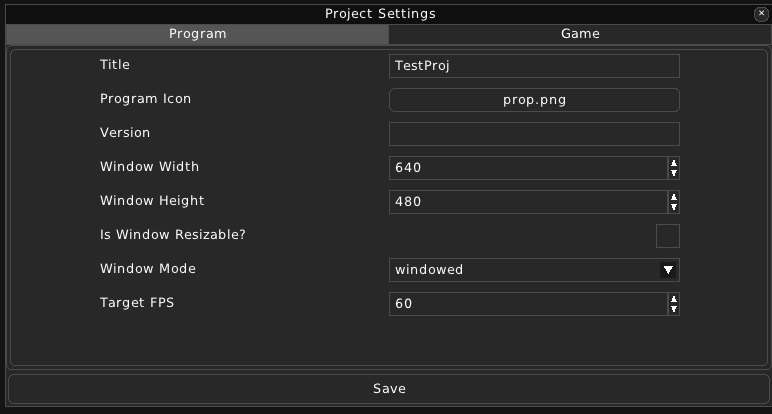
There are two categories in Project Settings:
Program:
This category changes how the program’s window behaves.
Title - The Window’s title.
Program Icon - The icon of the window.
Version - Version of the game.
Window Width - Width of the window.
Window Height - Height of the window.
Is Window Resizeable - Whether the window will be resizeable.
Window Mode - windowed, exclusive, minimized, maximized, fullscreen.
Target FPS - The frames per second that will be targeted.
Game:
This category changes the gameplay of the game.
Default Room - The room in which the player will first spawn.
Player Actor - The Actor file which will be used for the Player’s appearance.
Tile Size - The tile size in maps.
Debug Draw - Drawing objects like collision boxes and etc.
Export Image Scales - What image scales to be exported.
Export Font Sizes - What font sizes the fonts shall be exported in.