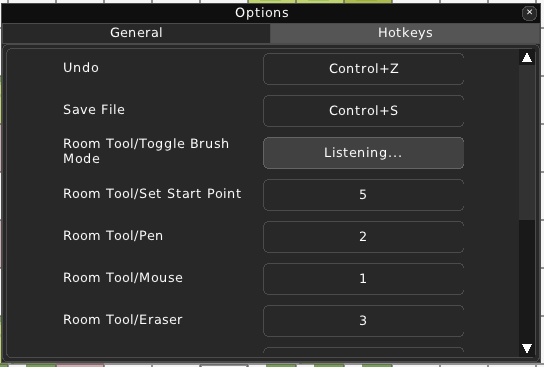
Editor Options
After choosing ‘Editor Options..’ in the menu bar, an ‘Options’ window pops up.
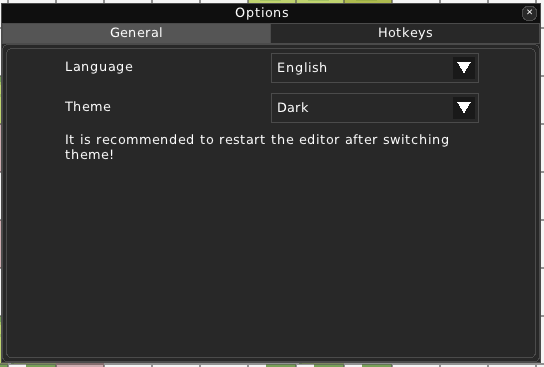
General
Language
Choose one of the available languages that RPG++ is translated in.
Theme
Choose one of the available built-in themes for RPG++.
Hotkeys
In this category, you can set hotkeys to any bindable action. To do it, simply click on the button next to the action. The Editor will wait for you to click a button on your keyboard or a key combo.